Microsoft Intelligent Terminal Brings AI Agents to the Command Line
Microsoft's open-source Intelligent Terminal and emerging command-line coding agents like Reasonix are shifting the center of gravity from the editor to the terminal, redefining developer workflows.
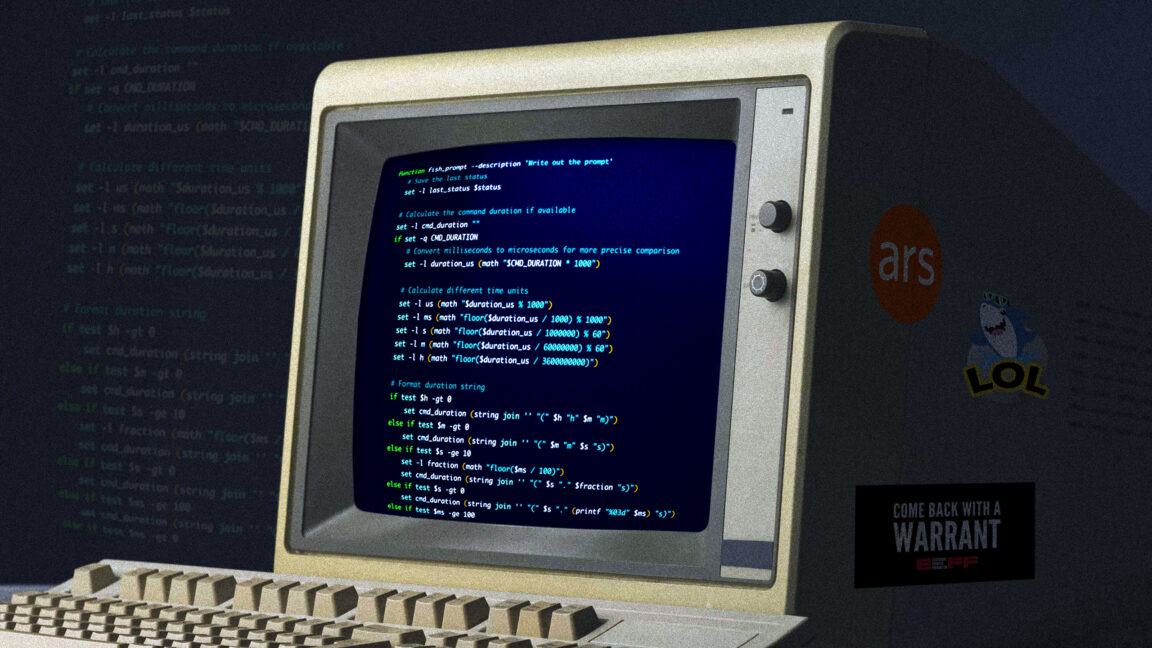 arstechnica.com
In this article
On June 2, 2026, during the opening day of Microsoft Build in San Francisco, a new application appeared on GitHub under an MIT license. It was called Intelligent Terminal, versioned 0.1, and it did not replace Windows Terminal. It forked it. The project, authored by Windows product manager Hamza Usmani, shipped as a separate, open-source application that embeds an AI agent pane inside a terminal window and leaves the mainline Windows Terminal codebase untouched. The git clone command that pulled it down was the first signal that Microsoft had decided to let the terminal and the AI assistant evolve on parallel tracks, rather than welding them together and hoping the seams held.
The fork was not the only terminal-adjacent announcement at Build 2026. The same day, Microsoft confirmed that Windows 11 would ship Coreutils, described in The Verge's roundup as "Linux-like command-line utilities that run natively" on Windows. WSL 3, detailed separately by TechTimes, brought near-native GPU and NPU passthrough so developers could run Ollama, PyTorch, and llama.cpp inside Linux containers on Windows workstations. And in what ZDNET's Corinne Reichert called "Microsoft continues its big Linux push," the conference made clear that Linux now spans Azure, Windows, and AI workstations inside the company's strategy. Taken together, the announcements described a platform realignment: the command line was being treated not as legacy infrastructure but as the surface area where agentic AI would land first.
The Intelligent Terminal's architecture is worth reading carefully. The agent pane sits in a split view beside a fully functional terminal session, not overlaid on top of it. The agent can read the terminal's output buffer, suggest commands, explain errors, and execute shell operations when authorised. Because it is a separate process from the main Windows Terminal, a crash in the agent pane does not bring down your tmux session. Because it is open source, a platform team at a mid-stage company can fork it and wire it to an internal model endpoint without waiting for Microsoft's roadmap. The design answers a question that has been floating through developer-discord channels for two years: should the AI be inside the editor, or inside the shell? Intelligent Terminal's answer is that it should be inside both, but in separate windows maintained by separate teams.
That question, the editor-versus-shell question, has grown louder in 2026 because the category of terminal-native coding agents has stopped being a hobbyist experiment and started being a product segment. On May 25, a new entrant called Reasonix launched as what WinBuzzer described as a "DeepSeek-native terminal coding agent" with MCP support, a plan mode that breaks tasks into steps before executing them, and a cache-first architecture designed to reduce API costs during long coding sessions. Reasonix does not open a GUI at all. It lives entirely in the terminal, reads your project files directly from disk, and communicates with the model provider through a caching layer that can cut token consumption by roughly 40 percent on repeated operations, according to the project's own benchmarks cited in launch materials.
The emergence of terminal-first agents is happening in parallel with, not instead of, the agent work inside editors. Visual Studio Magazine reported in April that VS Code 1.115 introduced a preview Agents app in VS Code Insiders, and VS Code 1.116 added persistent debug logs for current and past agent sessions, alongside "better terminal interaction." By mid-May, VS Code 1.120 brought the Agents window to Stable with customisation points including Skills, Instructions, Hooks, MCP Servers, and Plugins. The VS Code team is building an agent platform inside the editor, and the Windows Terminal team is building an agent platform inside the shell. The two efforts are not competing on features. They are competing on a more fundamental axis: where the developer's eyes are when the agent does the work.
The agent is doing the actual work, and VS Code is just a window., XDA Developers, June 2026
That line, from an XDA Developers essay published days after Build, captures the anxiety that terminal agents introduce into the editor-tooling economy. If an agent can scaffold a project, write the tests, run the build, read the compiler output, fix the errors, and commit the result, all from inside a tmux pane, then the editor becomes a review surface rather than a creation surface. The workflow shifts from "I type code into an editor while an AI suggests completions" to "I describe what I want in a shell prompt and the AI writes code while I review diffs in a terminal pager." That is a smaller step-change than it sounds, because senior engineers have been reviewing code in terminals for decades. But it is a step-change nonetheless in who, or what, is holding the keyboard.
Lee Hutchinson, writing in Ars Technica's May 2026 survey of terminal customisations, noted that he spends "more time today than ever before interacting with terminal windows." The piece invited readers to share their shell setups, and the response thread filled with engineers describing tmux configurations, fish-shell prompts, and hand-rolled status bars that surface GPU utilisation, CI pipeline status, and model inference costs in real time. One reader described a workflow where a Ctrl-b split opens a dedicated pane for an agent session that runs continuously across multiple projects, maintaining context across days of work. The terminal, in these setups, is not a tool for issuing commands. It is a long-running session manager with persistent state, and the agent is a co-resident process that watches the same filesystem.
The habit this trains is worth naming. When an agent lives in a terminal pane, developers stop composing commands and start composing intentions. Instead of typing grep -r "TODO" src/ | wc -l, they type "how many TODOs are left in src?" and let the agent decide whether to use grep, ripgrep, or a tree-sitter query. The efficiency gain is real for junior engineers who have not memorised flag syntax. The risk, less discussed, is that the developer stops learning the flag syntax at all. Over a two-year rotation, an engineer who delegates every pipeline to an agent arrives at the senior-promotion interview with weaker diagnostic instincts than someone who spent those two years reading man pages and strace output by hand. The tool is not at fault for this, but the training curriculum that a team adopts around the tool matters more than the tool's feature list.
What this looks like in a fourteen-person team
A platform team at a mid-stage company adopting Intelligent Terminal or Reasonix today faces a set of integration decisions that the launch documentation does not fully address. The agent needs access to a model endpoint. If the team uses GitHub Copilot, that endpoint is Microsoft-managed and usage-based, and Visual Studio Magazine reported on June 4 that developers are already experiencing "billing shock" from unexpectedly rapid AI credit consumption under the new pricing model. If the team routes through an internal Llama or DeepSeek deployment, someone needs to manage the inference servers, the caching layer, the authentication proxy, and the audit logging. That is headcount. A two-person startup can absorb the risk of a single engineer's API key leaking. A fourteen-person team cannot, and the tooling for shared agent sessions with role-based access control is still, in June 2026, listed as "coming soon" on most project roadmaps.
There is also the question of what the agent is permitted to touch. Microsoft addressed part of this at Build with Microsoft Execution Containers (MXC), described by The Verge as a system that "allows developers to set guardrails for what AI agents can access on their devices." An OpenClaw companion app, announced alongside MXC, runs agents in a sandboxed environment. That is a meaningful operating-system-level answer to a problem that terminal agents have been solving with chroot jails and Docker containers for years. The difference is that MXC ships with Windows, which means enterprise security teams can configure it through Group Policy. That matters when the agent has a shell and the shell has a filesystem.
The broader platform play that Microsoft unveiled, Project Solara, extends the agent surface area beyond the terminal entirely. Redmond Magazine reported that Microsoft used Build 2026 "to position Windows as a platform for building and running AI agents, expanding its developer focus beyond AI-assisted apps and into agents that can act across local devices, cloud environments and enterprise systems." Solara is an Android-based operating system designed to run agents across a variety of devices, a desktop hub, a digital badge, potentially a companion to a PC that hands off tasks between form factors. The terminal agent is, in this vision, the developer-facing edge of a fabric that extends into wearables, conference-room displays, and cloud VMs.
What is missing from the Build 2026 announcements, and from the terminal-agent startups that have launched this spring, is a clear story about team workflows. An individual developer can install Reasonix, point it at a DeepSeek endpoint, and feel more productive within an afternoon. But when a second developer joins the project, the questions start: whose agent session owns the build cache? Does the agent's plan mode produce a plan file that can be committed, reviewed, and rolled back like a Makefile? If the agent proposes a database migration, who signs off? The tools treat the agent as a personal assistant. The organisational reality is that it is a colleague with commit access, and nobody has yet shipped a code-review policy that tells you how to handle a PR authored by a language model running inside a tmux pane.
Cost is the other underexamined variable. Terminal agents, by design, run in long-lived sessions. A developer who keeps a Reasonix instance running across an eight-hour workday is burning tokens continuously, not just on command. The cache-first architecture that Reasonix advertises mitigates this, but only for repeated operations. Novel queries, which is to say most of the work in a greenfield project, hit the model provider at full price. When that provider is a self-hosted DeepSeek deployment, the marginal cost is electricity and GPU depreciation. When it is Copilot's usage-based billing, the marginal cost is a line item on a procurement manager's spreadsheet that, as the June 4 billing-shock story suggests, many teams have not yet calibrated.
The terminal agent category is moving faster than the terminal emulator category moved in the previous decade. Windows Terminal itself only reached 1.0 in 2020. Six years later, it has been forked into an AI-native variant while the original continues to ship. That pattern, fork and coexist, is likely to repeat across the ecosystem. Kitty, Alacritty, and WezTerm each have plugin architectures or scripting APIs that could host an agent pane without a fork. The question is whether their maintainers want to, or whether terminal agents will consolidate around the two or three projects, Intelligent Terminal among them, that treat the agent as a first-class architectural component rather than a plugin.
The checkpoint to watch is the next VS Code release cycle. If the Agents window inside VS Code adds a mode that mirrors the terminal-agent experience, a full bidirectional sync between editor-based and shell-based agent sessions, then the editor-versus-shell framing dissolves into a single-session question. If it does not, and the two experiences remain separate products with separate session state, then developers in 2027 will be making an explicit choice about where their attention lives: inside the editor that holds their code, or inside the terminal that holds their agent. The terminal has spent forty years being the place where you type commands. It is about to become the place where you type intentions, and the distinction will matter more than any single feature announcement can capture.
Read next