Command Line Becomes AI Battleground as Microsoft, Google Clash
This summer, Microsoft forked Windows Terminal for AI, Google shuttered its community-built Gemini CLI after 6,000 contributions, and ZoomInfo launched an agent-facing command line, cementing the terminal as the new platform battleground.
 pureinfotech.com
In this article
On May 19, 2026, Google shut down the Gemini CLI for consumer use, pulling API access from an open-source terminal tool into which nearly a year of community contributions had flowed. Six thousand pull requests, from hundreds of independent developers, absorbed into a project that then pivoted to enterprise-only. The shutdown was not a footnote. It was a signal: the command line, the oldest interface in computing, had become contested territory. Not for who types into it, but for which AI agent does the typing on the other side.
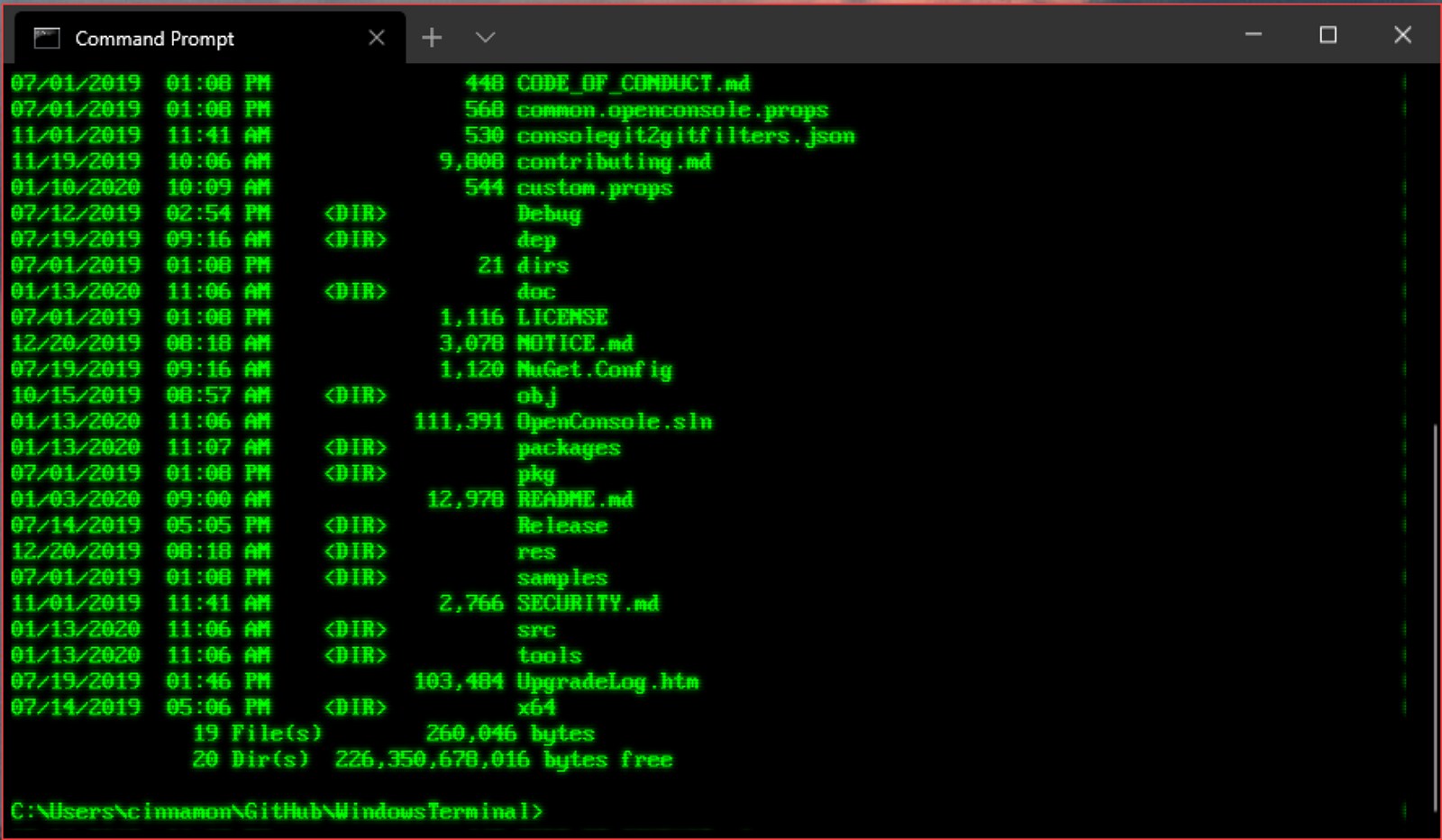
Two weeks later, at Build 2026, Microsoft shipped Intelligent Terminal 0.1, an open-source fork of Windows Terminal that adds an AI agent pane alongside the standard shell session. A few weeks after that, ZoomInfo released the gtmai CLI, giving developers and AI agents direct programmatic access to its verified go-to-market data. TestSprite open-sourced a command-line interface designed specifically for AI coding agents to verify their own work. The terminal, long treated as legacy plumbing, is the center of the 2026 developer-tools news cycle. What changed is not the shell. What changed is who is expected to inhabit it.
Microsoft's decision to fork Windows Terminal rather than bolt AI into the mainline application is the architectural choice worth studying here. Intelligent Terminal is, at the file-system level, a separate application. It keeps its own settings, its own session state, and its own AI pane. The regular Windows Terminal remains untouched. That separation means an engineer who does not want an LLM anywhere near their shell session can keep using the stock terminal, while someone who does can open Intelligent Terminal and get a Copilot-enabled pane that reads the active shell context. BleepingComputer confirmed in a hands-on review that the AI assistant can see your terminal output but cannot execute commands without explicit approval, a guardrail that matters more the closer the agent sits to a production shell.
The Intelligent Terminal is not locked to Copilot. XDA Developers reported getting it running with a local LLM in under five minutes, pointing it at an Ollama instance on the same machine. That configurability is not an accident. It reflects a design assumption that the terminal is the integration surface for multiple models, not a single-vendor channel. For platform teams evaluating whether to adopt this, the question is not whether Copilot is good enough. It is whether the terminal itself becomes a model router, and what that does to the reproducibility of commands run by different engineers on the same team.
What the Intelligent Terminal actually removes from a developer's morning is the context-switch between the shell and a browser tab pointed at a chat interface. Instead of copying an error message, pasting it into ChatGPT, reading a suggestion, copying a command back, and pasting it into the terminal, the agent sits in a side panel with visibility into the scrollback buffer. It sees the error at the same moment you do. The step removed is real. Whether the replacement step, reviewing an AI-suggested command and tapping Ctrl+Enter to approve it, is faster or just different depends on how many commands an engineer runs that they do not already know by heart. For a senior engineer debugging a novel stack trace, it might save five minutes. For someone running git push for the fourth time before lunch, it is noise.
Google's trajectory with the Gemini CLI tells a different story about the same geography. The company spent months building an open-source terminal tool that accepted contributions from the community, and then TechTimes reported that on May 19, it withdrew API access from non-enterprise users. By June 17, 9to5Google confirmed that both Gemini CLI and Gemini Code Assist were shutting down for consumers, with the company redirecting its coding-tool efforts toward Antigravity. The takeaway for any team that had built internal tooling around the Gemini CLI is straightforward: Google treated the open-source CLI as a demand-generation funnel, and when it decided the funnel had served its purpose, it closed the spigot.
Antigravity 2.0, unveiled at Google I/O 2026, includes its own CLI tool, a desktop application, and an SDK for custom workflows, TechCrunch reported. The new AI Ultra plan, priced at $100 per month, offers five times the usage limit of the Pro tier. The pricing is aggressive by developer-tool standards, and it bets that teams will pay for terminal-native agent access rather than cobbling together their own integration. Whether that bet pays off depends on whether the teams that adopted the open-source Gemini CLI feel burned enough to avoid the successor, a question that will not have an answer until the first enterprise renewal cycle in mid-2027.
Not every CLI launch this summer is a platform play. ZoomInfo's gtmai CLI, announced on July 9 and covered by VentureBeat, is an open-source command-line client that exposes the company's verified go-to-market data to developers and AI agents from any terminal. The design is deliberately unopinionated: it outputs structured data that can be piped into other tools, into agent workflows, or into a spreadsheet. ZoomInfo had already integrated its GTM.AI context layer with Claude, OpenAI Codex, Salesforce Agentforce, and Amazon Quick Suite, as Morningstar noted in its coverage. The CLI is the final piece that makes the data available to anything that can open a shell, including the agent a junior sales engineer wrote in a weekend.
TestSprite's open-source CLI, released on June 11 and reported by SiliconANGLE, approaches the terminal from the agent's perspective rather than the human's. The tool is designed to let AI coding agents verify their own output by running tests, checking for regressions, and validating code against a specification, all from the command line. This inverts the traditional relationship. The terminal is no longer just the interface where a developer tells a machine what to do. It is also the interface where one piece of software tells another piece of software whether its work holds up. In a fourteen-person team, that means the CI pipeline and the developer's local environment begin to speak the same language, using the same verification tool, invoked from the same shell.
What the Shell Trains You to Do
Every tool trains a habit. The traditional Unix shell trains three: compose commands from small, single-purpose utilities; read the output before acting on it; and treat the scrollback buffer as an audit log. An AI-augmented terminal replaces the first habit with prompt-composition and the second with suggested-command review. The third habit, the audit log, becomes more important and harder to maintain. If an agent suggests a command and the engineer approves it, who owns that line in the scrollback? The answer matters when something breaks and the on-call engineer is reconstructing what happened at 3 a.m. from a shared tmux session.
The habit question is why Microsoft's fork-and-separate approach to Intelligent Terminal is architecturally honest in a way that baking AI into the mainline terminal would not have been. It acknowledges that some engineers want an AI agent in their terminal zero percent of the time, and it gives them a clean way to opt out without uninstalling anything. The cost is fragmentation: two terminal applications, two sets of keyboard shortcuts, two update cadences. For a platform team managing developer workstations across a hundred engineers, that cost is not zero. It means documentation that covers both paths. It means onboarding scripts that ask a new hire to choose before they have context. It means a support queue with tickets that begin, "Which terminal are you using?"
The broader context for all of this is that the terminal, as a software category, had a remarkably quiet two decades. Ars Technica ran a reader survey in May 2026 asking people to share their shell setups, and the responses illustrated how much of terminal culture is personal, accreted, and slow-moving. People customize their prompts, their color schemes, their aliases. They carry a .zshrc or a config.fish across machines and employers. That culture is orthogonal to the platform-vendor push toward AI-native terminals. A prompt that took three years to perfect is not going to be replaced by a side pane that suggests commands, not unless the pane demonstrably removes a step the engineer actually takes.
Microsoft's simultaneous Linux push, detailed by ZDNET during Build 2026, adds another dimension. The company is releasing a server Linux distribution and a container Linux, and Windows 11 is increasingly built for developers who target Linux workloads. That means the default shell inside Intelligent Terminal on a Windows machine is likely to be bash running in WSL, not PowerShell. The AI agent sitting in the side panel needs to understand both ecosystems. Microsoft's move to position Windows as an operating system for AI agents, as Visual Studio Magazine framed it, is not just about the terminal. It is about Windows Development Skills, local model hosting, Cloud PC integration, and OS-level containment for agentic workloads. The Intelligent Terminal is the visible tip of a platform strategy that extends deep into the operating system.
For the engineer or the engineering manager watching these announcements pile up, the filtering question is the same one that applied to every previous developer-tool wave: does this remove a step from my morning, or does it just rearrange the steps? The answer for Intelligent Terminal in June 2026 is that it removes exactly one step, the copy-paste between the terminal and a chat interface, and replaces it with a review step inside the same window. For some engineers, that is a genuine acceleration. For others, it is a rearrangement. Neither answer is wrong, but both answers should be reached by trying the tool on real work, not on a demo script.
What to Watch For
The terminal is not done absorbing AI, and the AI is not done absorbing the terminal. The next checkpoint is whether any of these tools cross the line from suggestion to execution. Intelligent Terminal currently requires explicit approval for every command the agent proposes. That guardrail is a policy choice, not a technical limitation. The moment a vendor ships a terminal with an optional "auto-execute safe commands" toggle, the conversation shifts from developer experience to security posture. Platform teams should have an answer ready before the toggle appears, because it will appear. The only question is which vendor ships it first and whether they have the on-call rotation to back it up.
Google's Gemini CLI shutdown is the cautionary example that should shape every procurement conversation for the rest of 2026. Open-source CLI tools backed by platform vendors are not public infrastructure. They are product funnels. A team that builds internal automation around one should have a migration plan from day one, because the vendor's roadmap may not align with the team's needs beyond the quarter. The same applies to Microsoft's Intelligent Terminal, which is open-source today and subject to the same corporate strategy pressures that closed the Gemini CLI. The license is not the guarantee. The guarantee is whether the tool solves a problem that is worth the switching cost if it disappears.
The most interesting experiment in the current landscape is not any single vendor's terminal. It is the pattern TestSprite established: a CLI tool designed for agents to talk to agents, with the human reading the logs but not necessarily driving the interaction. That pattern scales to CI pipelines, to pre-commit hooks, to deployment verification. If the terminal becomes the lingua franca for machine-to-machine accountability, the humans who still type into it will be governing, not commanding. That is a different job than the one the shell was built for. The tools are arriving. The job descriptions have not caught up yet.
Read next
